pilotopsai
Category: Digital Security / AI Forensics
Last Updated: January 2026
Reading Time: 18 Minutes
The End of “Seeing is Believing”
If you are reading this, you’ve probably felt it. That moment of hesitation.
You watch a video of a CEO announcing a massive stock buyback. You hear a voice note from your boss asking for a wire transfer. You read a news article that seems slightly too sensational.
And you ask yourself: “Is this real?”
In 2024, spotting an AI image was easy. Look at the hands. If they had six fingers, it was fake. Look at the text. If it was gibberish, it was Midjourney.
But this is 2026.
Sora 2 renders perfect physics. ElevenLabs V4 captures the micro-tremors in a human voice. GPT-5 writes better press releases than most PR firms.
We have entered the “Reality Gap.”
The internet is now flooded with “Synthetic Media,” and the human brain is not evolved to detect it. We trust our eyes, but our eyes are now unreliable witnesses.
This guide is not a philosophical essay. It is a Technical Field Manual. I am going to teach you the forensic protocols used by digital investigators to verify video, audio, text, and identity in an age of perfect fabrication.
Part 1: Visual Forensics (How to Spot a Sora 2 Deepfake)
Video is the most dangerous vector because it bypasses our logic centers and hits our emotional centers. But even the best rendering engines in 2026 have “tells”—mathematical imperfections that occur when a neural network tries to simulate physics.
1. The “Sub-Surface Scattering” Test
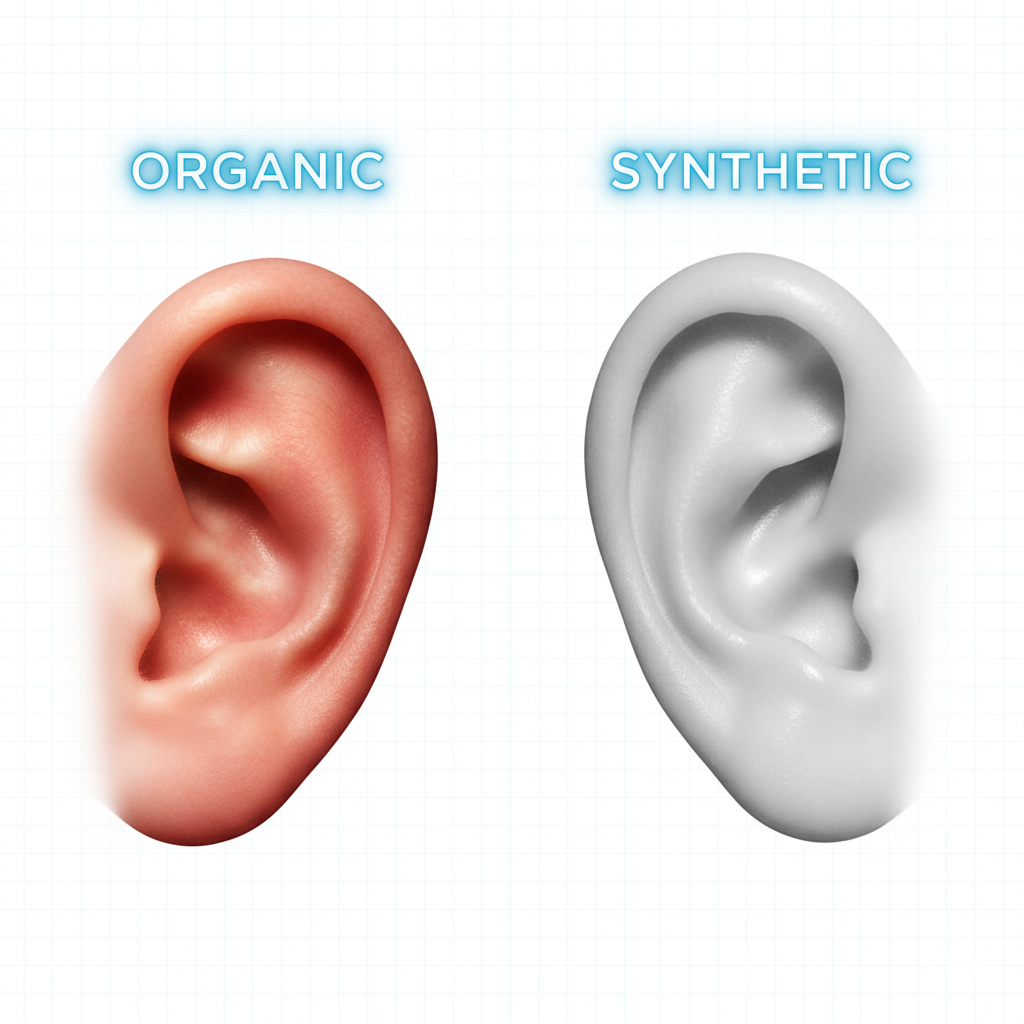
AI models are excellent at rendering “skin,” but they are terrible at rendering how light interacts with blood.
- The Science: When strong light hits a human ear or fingertip, it glows slightly red. This is called “sub-surface scattering” (light bouncing through blood vessels).
- The Tell: AI skin often looks “Opaque” or “Plasticky” (like a wax figure). If a character stands in front of a window and their ears don’t glow, be suspicious.
2. The “Object Permanence” Glitch
Generative Video doesn’t understand the 3D world; it only predicts pixels. It lacks “Object Permanence.”
- The Tell: Watch background objects. If a person walks past a chair, does the chair morph slightly? Does the pattern on their shirt change when they turn around?
- The Protocol: Don’t watch the face. Watch the shadows. AI often casts shadows in conflicting directions (e.g., the nose shadow goes left, but the lamp shadow goes right).
3. The “Blinking” Rhythm
In 2024, AI didn’t blink. In 2026, it blinks too perfectly.
- The Tell: Humans blink in irregular patterns, especially when thinking or stressed. Deepfakes often have a metronomic blink rate (every 4 seconds exactly) or simply forget to blink for 30 seconds straight during a long monologue.
Part 2: Audio Forensics (The “Voice Clone” Scam)
This is the most common financial crime of 2026. You get a call. It sounds exactly like your CFO. They need a transfer authorized now.
How do you verify it?
1. The “Background Noise Floor” Audit
AI voice models are trained in studios. They produce “clean” audio.
Real life is dirty.
- The Test: If the caller claims to be at an airport or in a car, listen to the background noise. Is it a loop? Does the background noise “duck” (get quieter) perfectly every time they speak? That is a hallmark of AI noise suppression algorithms.
2. The “Breath” Pattern
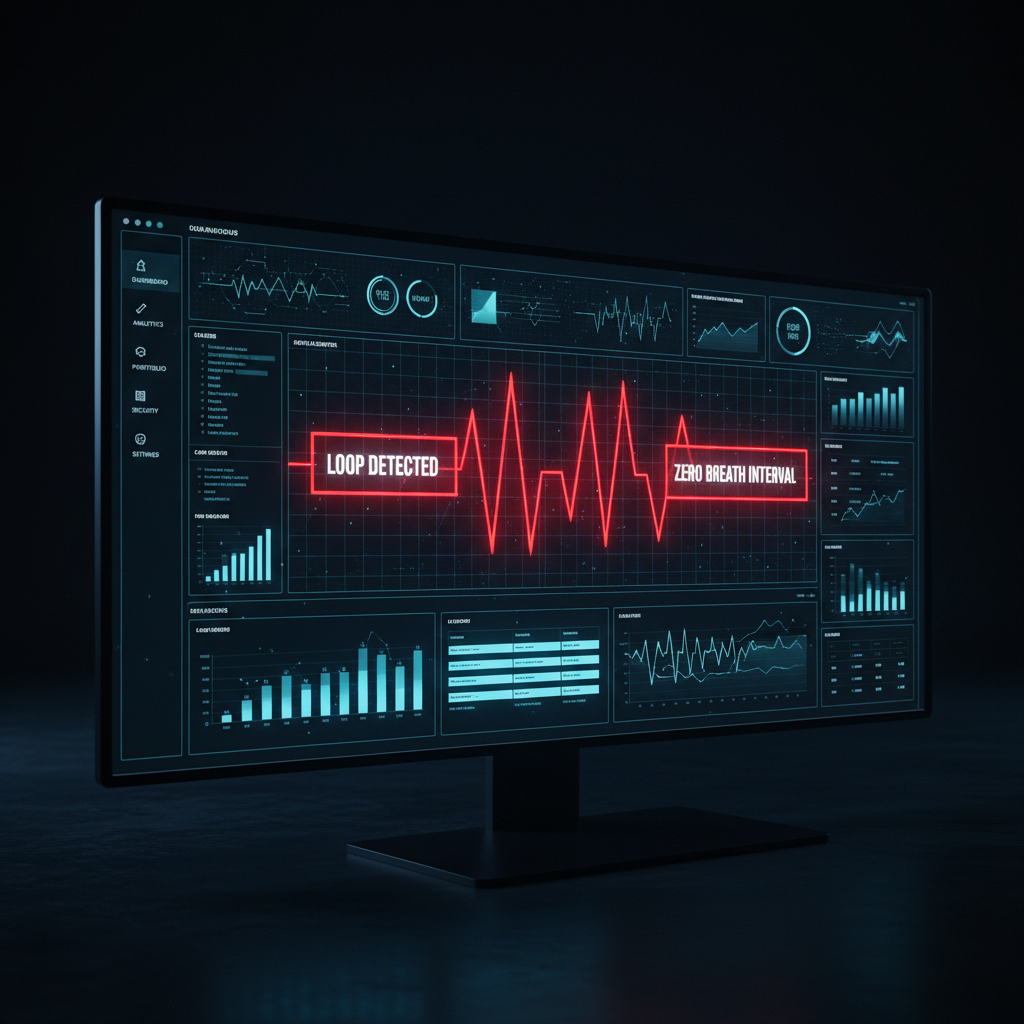
Humans breathe between thoughts. AI breathes randomly or not at all.
- The Tell: Listen for the “intake” of breath before a long sentence. Voice clones often skip the intake because the text-to-speech engine doesn’t “need” air. If they talk for 45 seconds without a single audible breath, hang up.
3. The “Safe Word” Protocol (The Ultimate Fix)
No amount of technical analysis beats a Shared Secret.
- The Solution: Every family and executive team in 2026 needs a “Analog Safe Word.” If your “daughter” calls you crying from a new number asking for money, ask for the word. If the AI doesn’t know it, it’s a clone.
Part 3: Text & Data Forensics (The Hallucination Trap)
Text is harder to verify because there are no pixels to analyze. But “Logic” has its own fingerprints.
1. The “Circular Logic” Loop
LLMs (Large Language Models) are designed to be agreeable. They hate saying “I don’t know.”
- The Tell: If you ask a specific question and get a vague, repetitive answer that rephrases the question without adding data, it’s likely AI-generated fluff.
2. The “Reference Hallucination”
This is the easiest way to catch a lazy AI.
- The Test: If an article cites a study (e.g., “According to the 2025 Harvard Business Review…”), Google that specific citation.
- AI models often invent citations that sound real but don’t exist. They mix real authors with fake dates.
3. The “Forensic Agent” Approach (The Pro Method)
Humans are too slow to fact-check everything. The only thing that can catch a rogue AI is a smarter AI.
This is where the concept of “Recursive Auditing” comes in.
- The Workflow: You don’t just “Search Google.” You use an automated IVS Loop (Inquire, Verify, Synthesize).
- How I do it: When I need to audit a suspicious competitor report or a dense legal contract, I don’t read it manually. I feed it into a Forensic Research Agent.
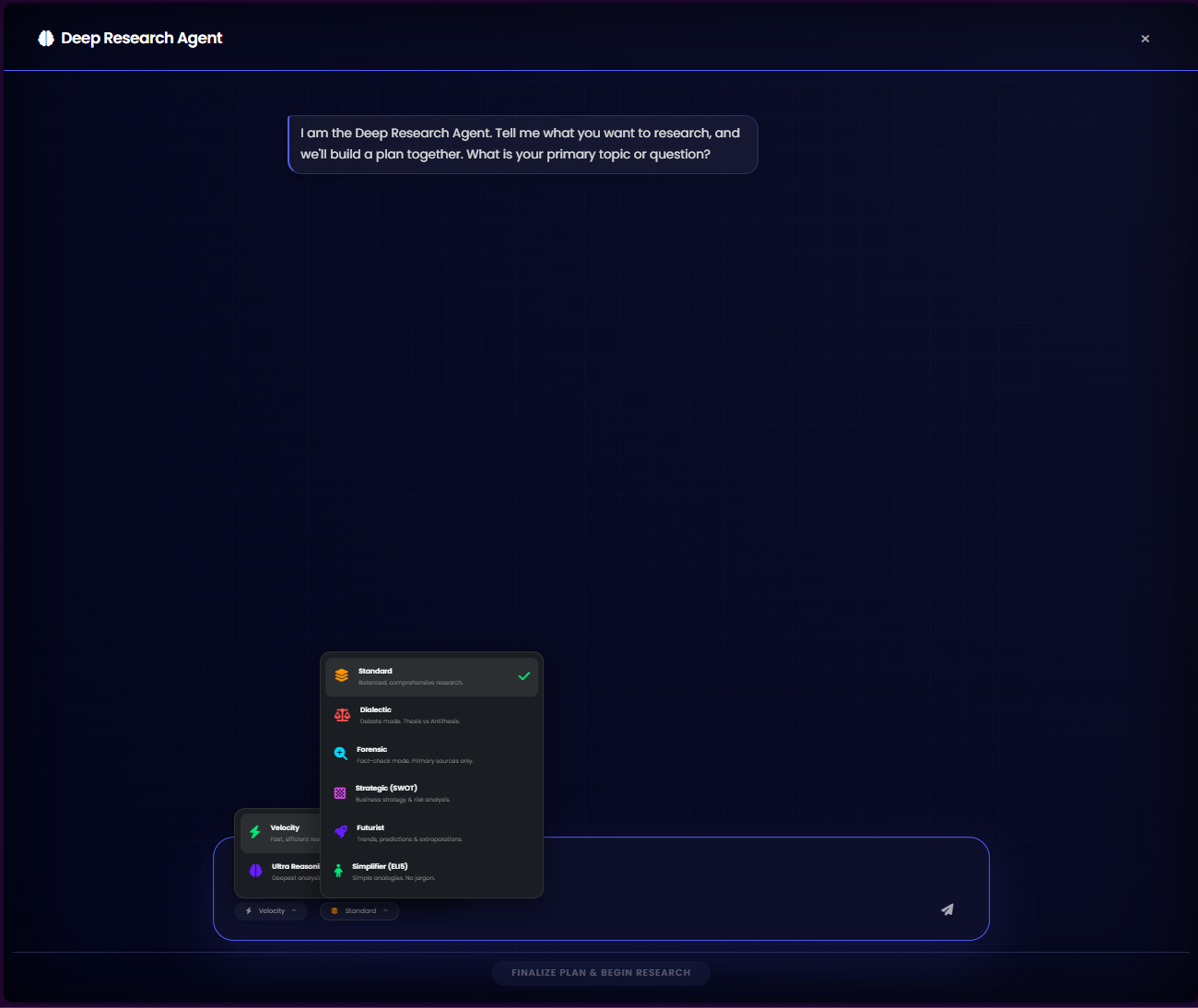
- The “Easter Egg”: Advanced users are now relying on tools like the Deep Research Agent (found in ecosystems like The Nexus or similar enterprise hubs). These agents don’t just read the text; they cross-reference every claim against 50+ live URLs, check for “Hallucination Drift,” and assign a Confidence Score to the document. If the Confidence Score is below 85%, I treat the document as synthetic fiction.
Part 4: The Tool Stack (What to Download)
You cannot fight this war with your naked eyes. You need a Verification Stack.
1. Metadata Viewers (C2PA)
Look for “Content Credentials” (C2PA). This is a standard adopted by Adobe, Microsoft, and others.
- How to use: If an image has “CR” (Credentials) metadata attached, you can upload it to a verification site to see the “Edit History.” It will tell you: Created in Photoshop vs. Created in Midjourney.
2. Reverse Image Search (The Nuclear Option)
If you see a shocking image of a politician, screenshot it and drop it into Google Lens or Pimeyes.
- The Logic: If the image appears on verified news sites, it’s likely real. If it only appears on X (Twitter) and Reddit, it’s likely a fabrication.
3. “Reality Check” Browser Extensions
In 2026, browser extensions like “DeepDetect” or “RealityGuard” are becoming standard. They run local scripts to analyze the pixel grids of images on your feed and flag “High Probability AI” content.
Part 5: The “Digital Provenance” Movement
The long-term solution isn’t detecting fakes; it’s Proving Realness.
We are moving toward a world of “Signed Reality.”
In the future, cameras will cryptographically sign every photo they take at the hardware level (Sony and Canon are already doing this).
If a photo doesn’t have a “Digital Signature” from a trusted camera sensor, social media platforms will label it: “Unverified Source.”
Until then, Skepticism is your Firewall.
Conclusion: Trust, but Verify (Automated)
The era of passive consumption is over. You are no longer just a “User”; you are an “Editor.”
Every time you share a post, retweet a video, or act on an email, you are putting your reputation on the line.
- Look for the Glitches: Hands, shadows, breathing.
- Listen for the Silence: Background noise, breath intakes.
- Automate the Truth: Use Forensic Agents to audit heavy data.
The technology to deceive us is growing exponentially. But the technology to verify truth is growing too. You just have to know where to find it.
Stay safe out there. The “Reality Gap” is only getting wider.
Q: Is there an app that can detect deepfakes?
A: There is no single “magic button” app that is 100% accurate. However, tools that analyze C2PA metadata and specialized Forensic Agents (like those used in Deep Research protocols) offer the highest reliability for professional verification.
Q: Can AI voice cloning fool my bank?
A: Yes. In 2026, voice biometrics are no longer considered secure by security experts. Always use 2FA (Two-Factor Authentication) or a physical hardware key.
Q: How do I know if an image is AI-generated?
A: Look for “Logical Inconsistencies”: Text in the background that is gibberish, shadows that don’t match the light source, or “plastic” skin textures (Sub-Surface Scattering errors).